
Every week, new websites and apps appear that look polished and promise something useful, whether that is a shopping store, a budgeting tool, or a game. Many are legitimate. Others are built to collect card details, harvest contacts, or push unwanted charges. The difference is not always obvious from the first screen, but there are reliable checks you can run in a few minutes before you enter an email address or tap “install.”
Start With the Website Address
Before you read anything else, look closely at the domain itself. Scam sites often rely on lookalike names, such as a single swapped letter, an extra hyphen, or an unusual domain ending attached to a well-known brand. Type the address yourself instead of clicking a link in an unsolicited message, and confirm that your browser shows a padlock icon. The padlock only means the connection is encrypted. It does not prove the site is honest, so treat it as a minimum rather than a guarantee.
Run a Site Status Check
Searching a website address in Google is a quick first check before you visit.
Google publishes a public tool that shows whether a domain has recently been flagged for hosting malware or phishing. Enter the address into the site status search in the Google Safe Browsing Transparency Report and read the result before going further. A clean result does not rule out a brand-new scam, since fresh domains may not have been scanned yet, but a warning is a clear reason to leave.
Be Careful With Gambling Sites
Gambling sites are a category where new operators appear constantly, so extra caution is worth the effort. Check that the operator holds a licence from a recognised regulator, that the licence number is displayed on the site, and that you can verify it on the regulator’s own register. Comparison sites can also help you narrow down options. Casinous, for example, is a comparison website that helps readers explore different platforms, so if you are shopping around, you can click here for new online casinos and review what is on offer before you create an account.
Look for Real Contact Details and Clear Policies
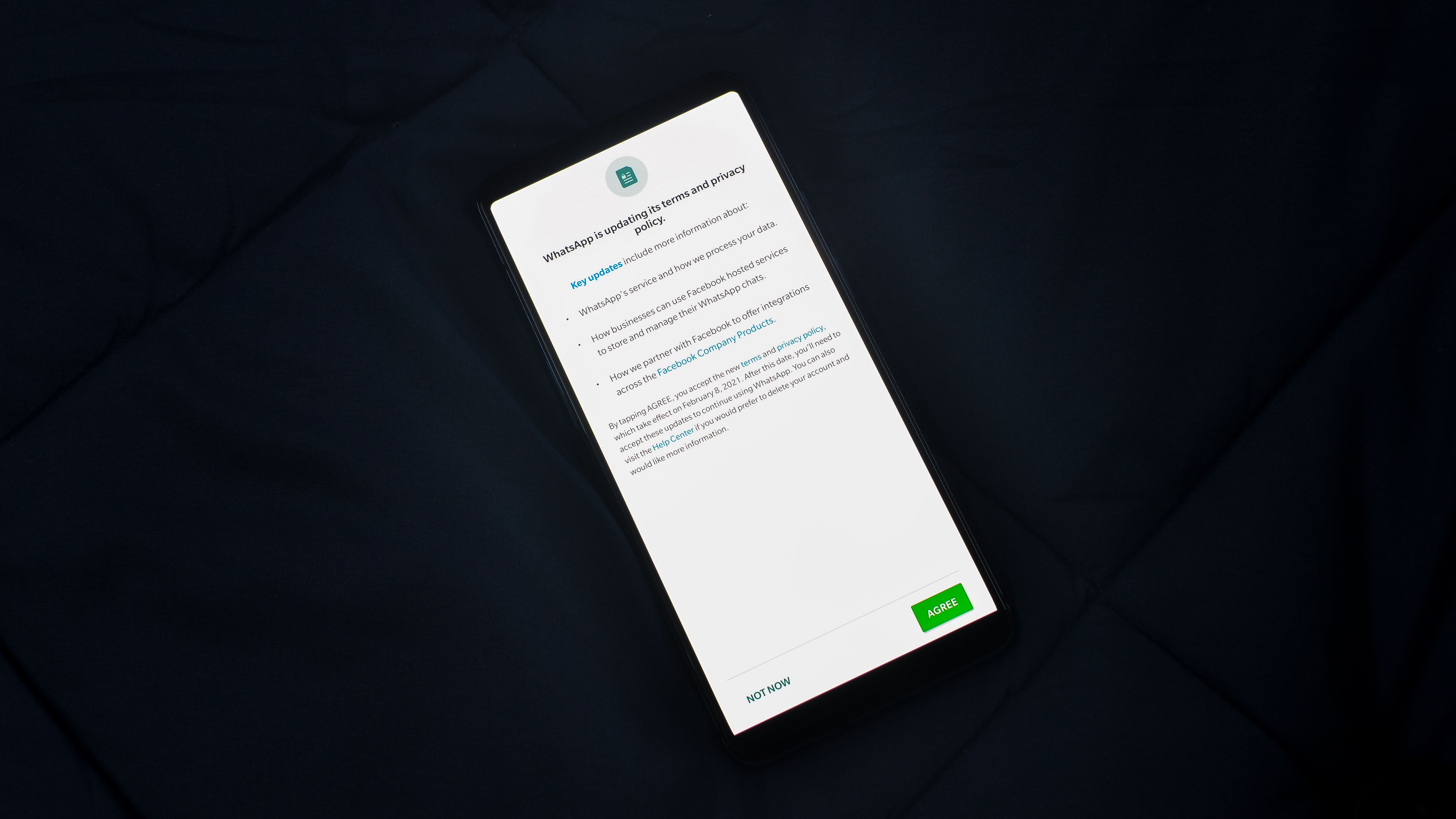
Reading a privacy policy update before you accept it can reveal how your data will be used.
Legitimate businesses usually make it easy to find a postal address, a company registration number, a support email, and clear terms of service. If the only way to get in touch is a web form or a chat box that never replies, be cautious. Search the company name alongside words like “reviews” or “complaints” and see what past customers report. Repeated stories about withheld refunds or charges nobody authorised are a strong warning sign.
Also read the privacy policy, or at least search it for the section on data sharing. If it is vague about who receives your information, or if it says your data may be passed to unnamed partners, that is a reason to think twice before signing up.
Review Permissions and Data Access
For mobile apps, the permissions screen tells you a great deal. The US Cybersecurity and Infrastructure Security Agency (CISA) recommends reading the permissions an app requests and asking whether they relate to what the app does. A flashlight app has no good reason to read your contacts, and a wallpaper app has no reason to see your messages. Pay particular attention to access to your contacts, camera, storage, location, and microphone. On both Android and iPhone you can change these settings after installation, and you should revisit them after major updates, because a trusted app can change its behaviour over time.
Check the Developer and Store Listing
Warning signs such as urgency and unclear sellers are common in online fraud.
Look at the developer name, the number of reviews, the update history, and the download count. Be wary of apps with very few reviews, generic names that copy well-known products, or a sudden burst of five-star ratings within a short period. Check the price range of in-app purchases before installing. A “free” app that depends on expensive subscriptions or constant upsells is not always a scam, but it deserves a closer look. Official app stores are not immune to bad apps, so the listing itself should never be your only check.
Watch for Pressure Tactics
Scams rely on speed. Countdown timers, messages claiming your account will be closed unless you act now, and requests to move a conversation to another app are all signals to slow down. A genuine service will not punish you for taking an hour to decide. If a site or app pushes you to pay, share a one-time code, or grant unusual access immediately, stop and verify through a channel you already trust.
Frequently Asked Questions
Is a padlock icon enough to trust a website?
No. The padlock shows that your connection to the site is encrypted. Scam sites can also use encryption, so check the domain, the company details, and independent reviews as well.
Should I wait before trying a new app?
Waiting a few days can help. Early reviews, news reports, and security warnings often appear within that time, and they can reveal problems that the store listing does not show.
What should I do if I already entered my details?
Change the password for that account and any other account where you reused it. If you shared card details, contact your bank promptly, review recent transactions, and report the site or app to the relevant consumer authority.
Final Thoughts
A thorough check takes only a few minutes, and the habit pays off the first time something looks off. Treat unusual permissions, missing contact details, and manufactured urgency as reasons to pause rather than details to ignore. A new site or app can still be worth trying, but it should earn your trust before it gets your data.